
Preventing Costly IT Server Downtime With Strategic Office Moving
Relocating a corporate workspace means moving highly sensitive electronics and expensive data servers. A single dropped server rack can cost a business thousands of dollars in lost productivity and data recovery. Prime JB Movers specializes in commercial office moving that keeps your operational downtime to an absolute minimum. Implementing strategic moving protocols ensures your IT infrastructure survives the trip intact.
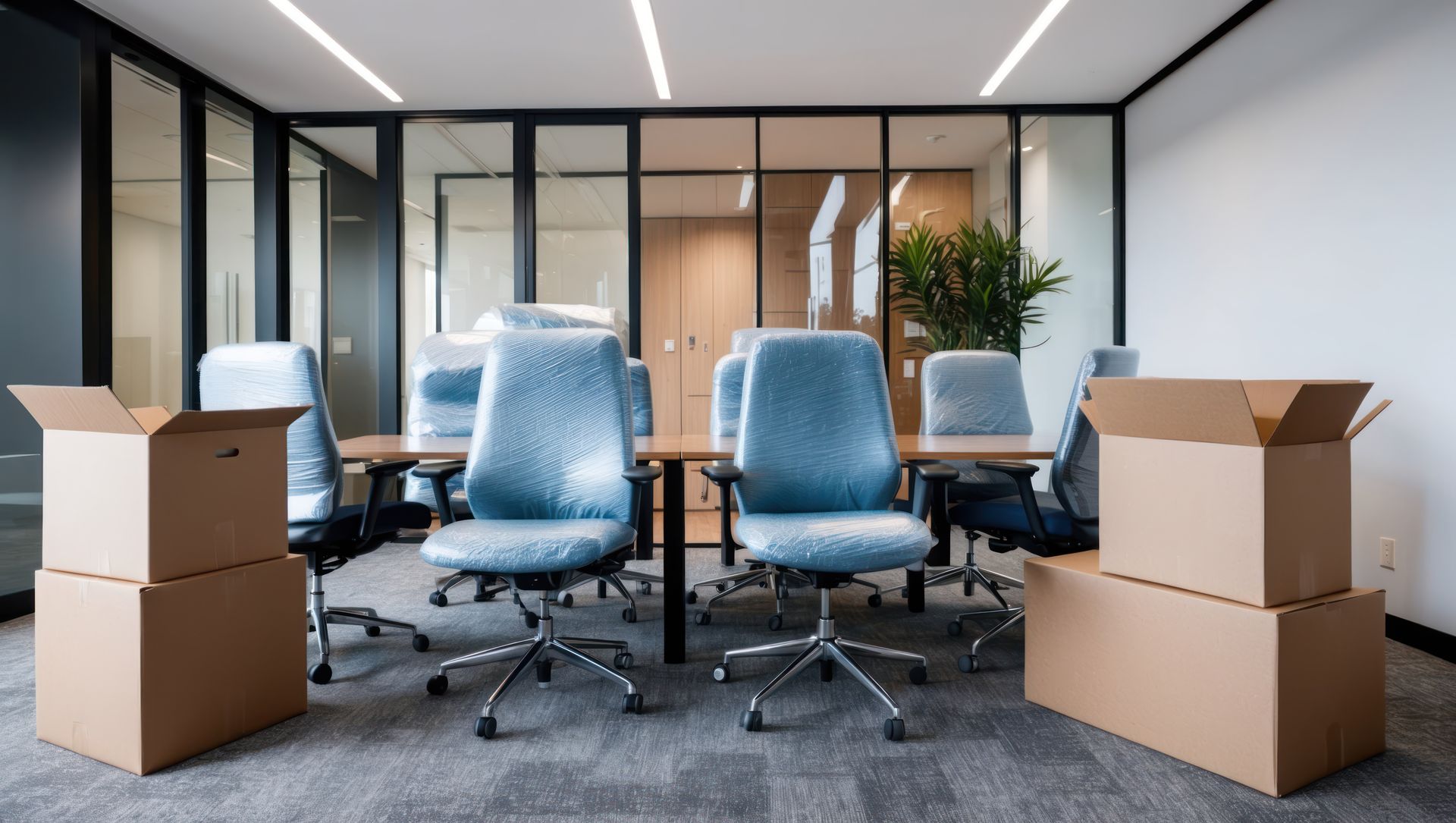
Standard packing methods fail miserably when applied to complex network hardware. Computers require specialized handling to prevent static shock and physical impact damage. Following a professional game plan keeps your business running smoothly throughout the transition.
In This Article
- Tip 1: Mapping Server Rack Disconnects
- Tip 2: Utilizing Anti-Static Packing Materials
- Tip 3: Coordinating Climate-Controlled Transit
- Tip 4: Staging the Reconnection Sequence
- Frequently Asked Questions
Tip 1: Mapping Server Rack Disconnects
Unplugging a server rack without mapping the connections creates total chaos at the new location. Proper labeling is the backbone of a successful hardware move.
- Technicians must photograph all cable configurations before removing a single cord.
- Every cable should be tagged with color coded labels that match the corresponding port.
- Hard drives must be removed from the server chassis and packed separately to prevent internal damage.
Tip 2: Utilizing Anti-Static Packing Materials
Standard bubble wrap generates static electricity as it unrolls. A static shock will permanently fry expensive computer motherboards.
- Professional crews use specialized pink anti-static bubble wrap for all exposed electronics.
- Monitors are packed in custom padded crates that prevent screen compression.
- Loose cables are coiled neatly and placed in anti-static bags to avoid tangling.
This is a pattern the team at Prime JB Movers hears regularly.
►Client Experience: Jermaine Oregas shared "They quoted me a charge time 3 hours according to the description of my items. They did it quicker than expected, only charging me 2 hours. Amazing!"
Efficient execution minimizes costly downtime and gets your team back to work quickly just as Jermaine noted.
Tip 3: Coordinating Climate-Controlled Transit
Leaving servers in a freezing moving truck overnight causes condensation to form on the internal circuitry. Moisture and electronics are a disastrous combination.
- Sensitive IT gear must travel in a fully climate-controlled vehicle.
- Temperature stability prevents the internal components from warping or expanding.
- The truck should be equipped with air ride suspension to absorb harsh road bumps.
Tip 4: Staging the Reconnection Sequence
You cannot just dump thirty computers in the middle of the new office floor. A strategic unloading process gets your network back online systematically.
- The primary server rack must be delivered and installed before any desktop units arrive.
- Desks should be pre-wired by your IT staff before the monitors are unboxed.
- Clear pathways must be maintained so technicians can access the wall outlets easily.
Frequently Asked Questions
How do you relocate a server room safely?
Relocating a server room safely requires coordinated efforts between your IT department and the moving crew. The hardware must be systematically powered down, disconnected, and packed into custom crates. Heavy server cabinets require hydraulic lifts to move them without jarring the internal tracks.
Should electronics be moved in climate-controlled trucks?
Yes, extreme heat or cold causes physical damage to microchips and hard drives. Climate-controlled transport maintains a steady temperature and regulates humidity. This prevents condensation from building up inside the computer casing during transit.
Do office movers disconnect computers?
Professional movers handle the physical packing and transportation of your electronics. However, your internal IT staff or a contracted IT specialist must handle the actual software shutdown and physical disconnection of the servers to ensure data integrity is maintained prior to packing.
Keeping Your Business Online
Your company cannot afford to stay offline for a week due to poor relocation logistics. Executing a highly structured hardware move protects your most valuable digital assets. Contact our commercial team today to schedule your corporate transition.
Share This Blog